
User Guide
Account management
How to export your data, delete your account, cancel a pending deletion, and what happens to organizations you own.
Export your data
You can download a complete copy of your personal data at any time. The export is a ZIP archive containing UTF-8 JSON files covering your profile, organization memberships, hosts and projects in those organizations, audit-log entries you authored, and API token metadata. Sensitive fields like password hashes and raw token values are stripped before packaging.
- Sign in and open Settings → Privacy & Data.
- Click Download Export. The archive is generated on demand; for large workspaces it may take up to a minute.
- The file is named
versionops-export-<your-id>-YYYY-MM-DD.zip.
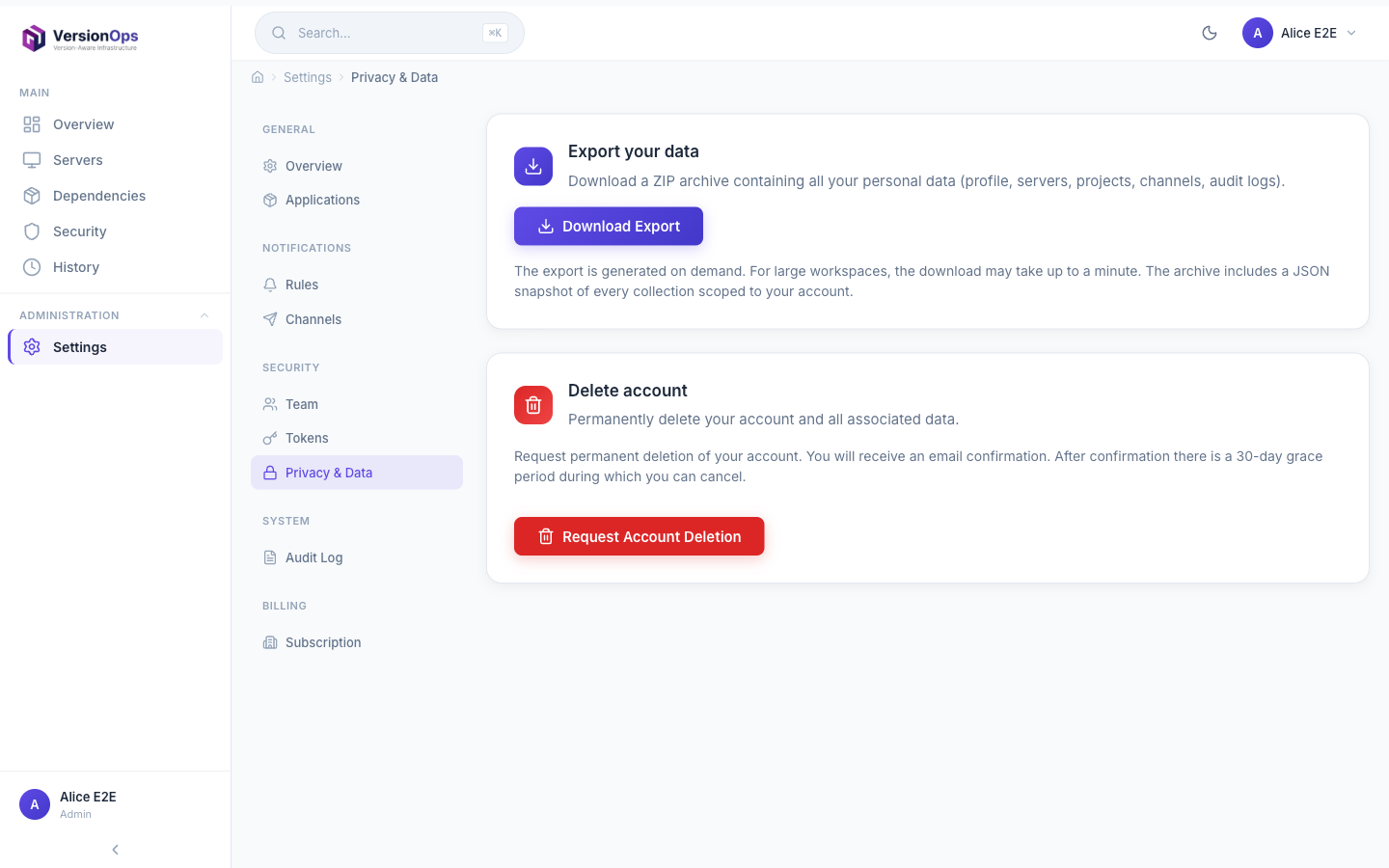
The export covers everything VersionOps stores about you that falls under your subject-access right (GDPR Art. 15). For an authoritative list of what is included, see our Privacy Policy.
Delete your account
Account deletion is a self-service flow with a 30-day grace period and a confirmation email. Once you confirm, your account is scheduled for permanent deletion and you can cancel any time before the scheduled date.
- Open Settings → Privacy & Data and click Request Account Deletion.
- Read the confirmation modal carefully. If you are the only member of any organization, those organizations and their data are listed explicitly. You must check “I understand my organizations will be permanently deleted” and type
DELETEto proceed. - Click Send confirmation email. We send a one-time confirmation link to your registered address; the link is valid for 24 hours.
- Click the link in the email. Your account is now scheduled for permanent deletion in 30 days. You will receive a second email confirming the schedule and containing a one-click cancel link.
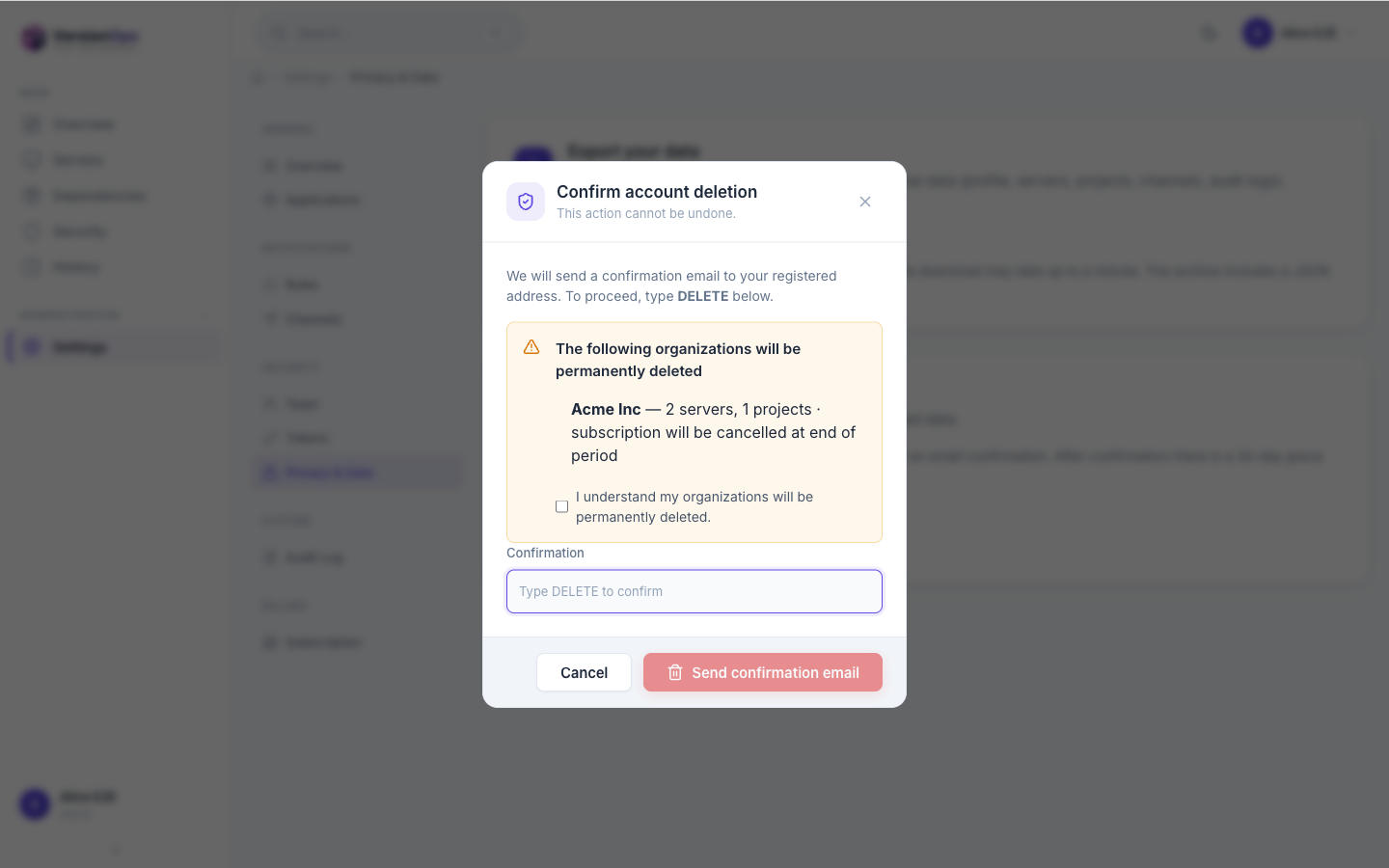
If you are the sole owner of an organization that has other members, the modal will block deletion until you transfer ownership or remove those members. This prevents stranding teammates.
The scheduled-deletion email
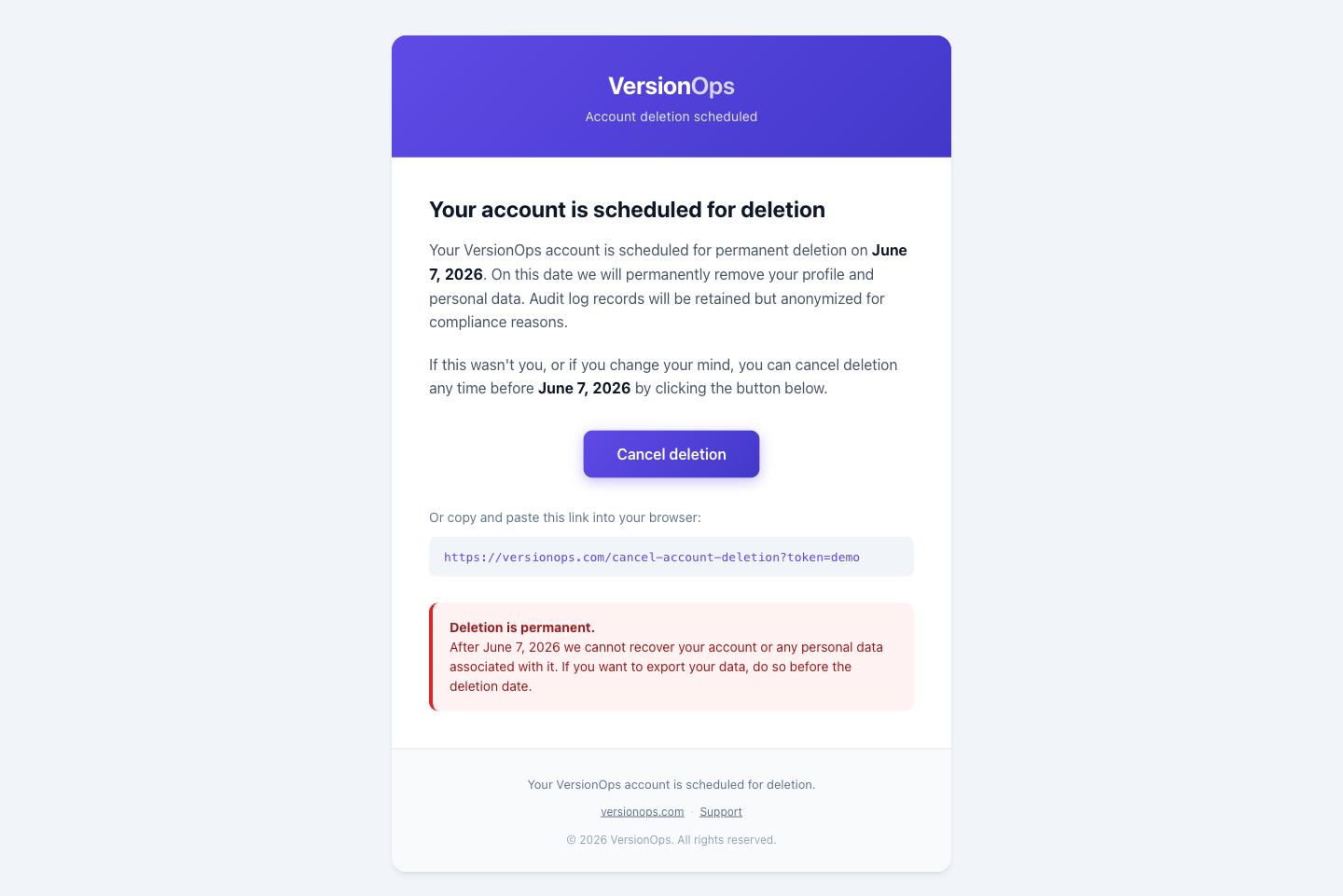
Once you click the link in the confirmation email, we send a second email titled “Your VersionOps account is scheduled for deletion”. It states the exact date your account will be permanently removed and contains a one-click cancel button that works without signing in.
Cancel a pending deletion
You can cancel a scheduled deletion until the moment the cron runs (the 30-day mark). There are two ways to cancel:
- From the email: click the cancel link in the “Your VersionOps account is scheduled for deletion” email. The link is tokenized and works without signing in — one click is enough.
- From the app: sign in and open Settings → Privacy & Data. The page shows a banner with the scheduled deletion date and a Cancel deletion request button.
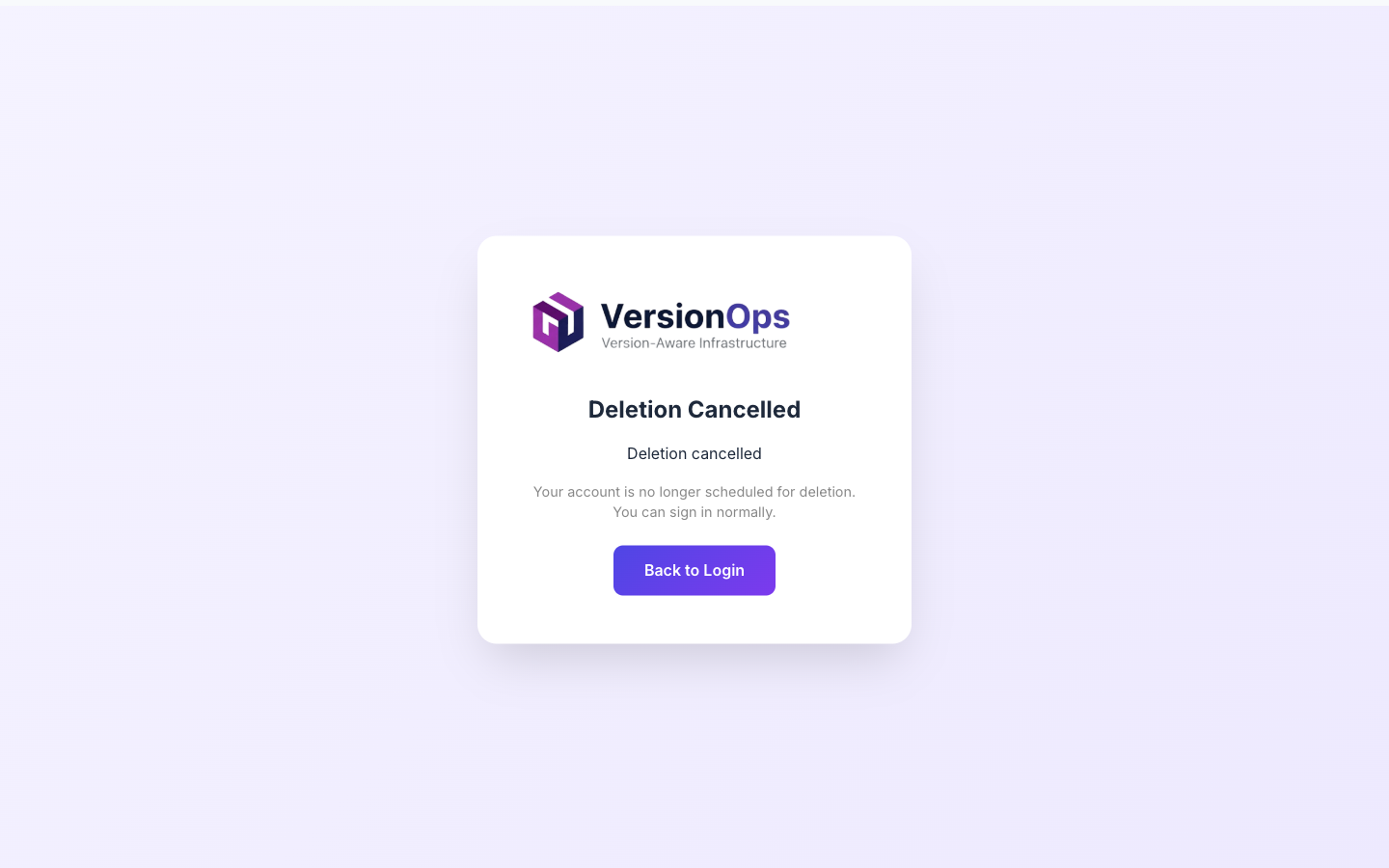
Both paths produce the same result: your account is no longer scheduled for deletion, and any subscription that was set to cancel at the end of the billing period is reactivated automatically.
Sole-member organizations
When you are the only member of an organization, the organization’s data has no other owner. Deleting your account therefore deletes the organization in full — there is no other user who could keep it alive.
The deletion modal lists every sole-member organization you own with the number of servers, projects, and the subscription state, so you know exactly what will happen before you confirm.
What gets deleted
- All servers, installed software inventory, and dependency scans.
- All projects (npm/Docker), vulnerability records, and scan history.
- Notification channels, rules, and Trivy scan results.
- Audit logs are retained but anonymized.
Billing
When you confirm deletion, any active or trialing subscription on a sole-member organization is set to cancel at end of period — you are not billed for the next cycle, but you keep access until the current cycle ends.
If you cancel the deletion within the 30 days, the subscription is reactivated automatically. If the 30 days elapse, the subscription is permanently cancelled along with the organization.
Race conditions during the grace period
For 30 days after you confirm, no one can be invited or join organizations where you are an owner with pending deletion — preventing teammates from being added (and then wiped) during the grace window.
If you transfer ownership of an organization to another user during the grace period, that organization is no longer considered sole-member and will not be deleted when your account is removed.
FAQ
What if I have multiple organizations?
Every organization where you are the sole member is deleted with you. Organizations where you are a regular member are unaffected — you simply lose membership. The modal lists each affected organization explicitly.
Will my teammates be affected?
Only if you are the sole member of an organization (in which case no other teammates exist there). For shared organizations, your teammates keep their access; they will see your audit-log entries anonymized as [deleted user].
How does billing work during the 30-day grace period?
Subscriptions on sole-member organizations are set to cancel at the end of the current billing period when you confirm deletion. You keep access until the period end and are not charged for the next cycle. If you cancel deletion, the subscription is reactivated transparently.
Can I delete my account without affecting my organization?
Yes — transfer ownership to another member first. Once another user is the owner, your sole-member status no longer applies and only your account will be deleted.
What happens to data exports after I delete my account?
Any export ZIP you downloaded before deletion is yours to keep — it lives on your device, not in VersionOps. The export endpoint stops working immediately when your account is permanently deleted.
I can't find the cancel email — what now?
Check your spam folder. If it still does not arrive, sign in and use the Settings → Privacy & Data banner to cancel from the app. If you cannot sign in either, contact [email protected].